
25 likes
Carouslide A quick guide to choosing the right Nothing Phone for you.
Convert your ideas into ready-to-share LinkedIn & Instagram carousels in minutes—no stock-photo overload.
2 free generations. No card required
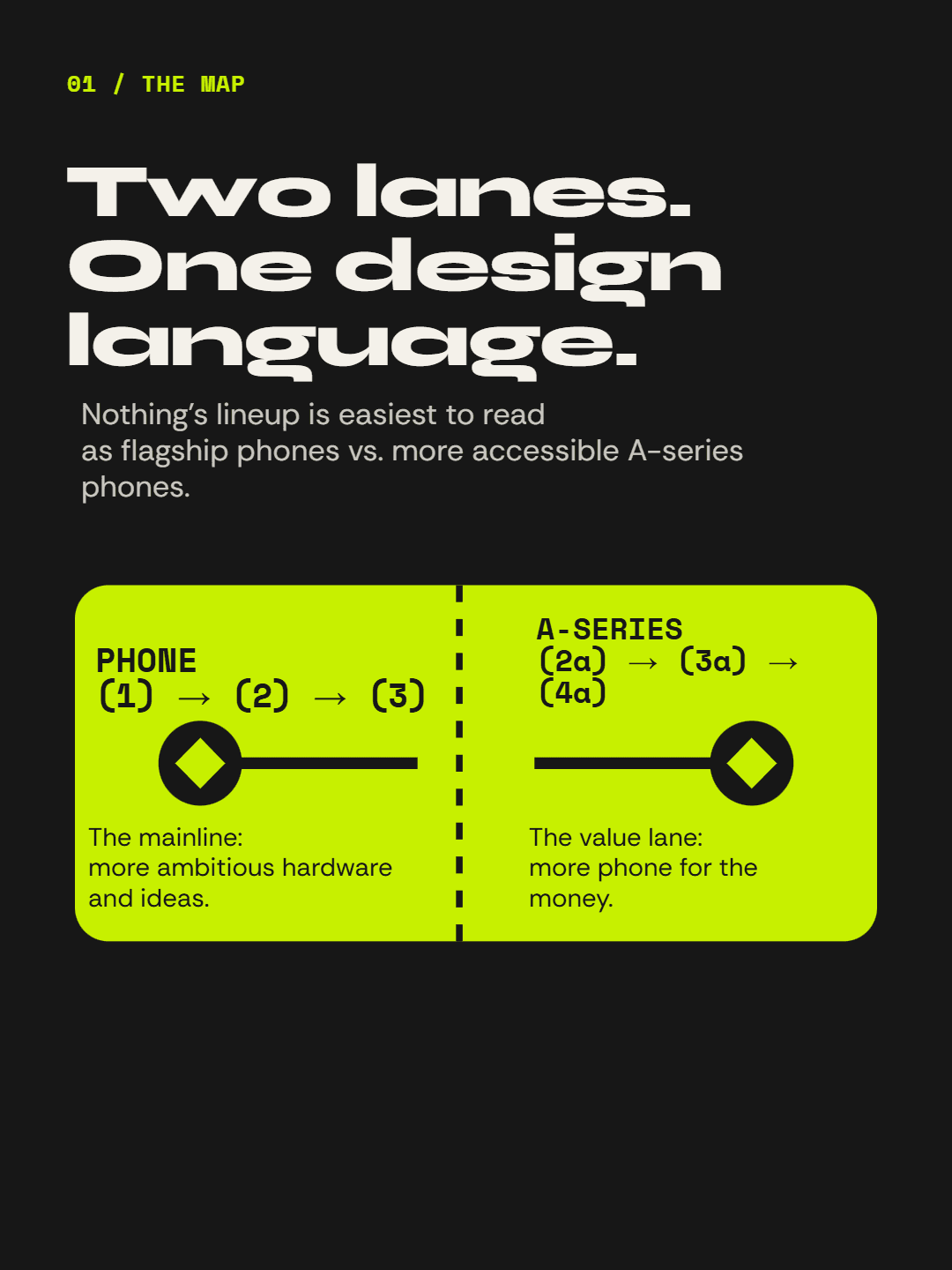
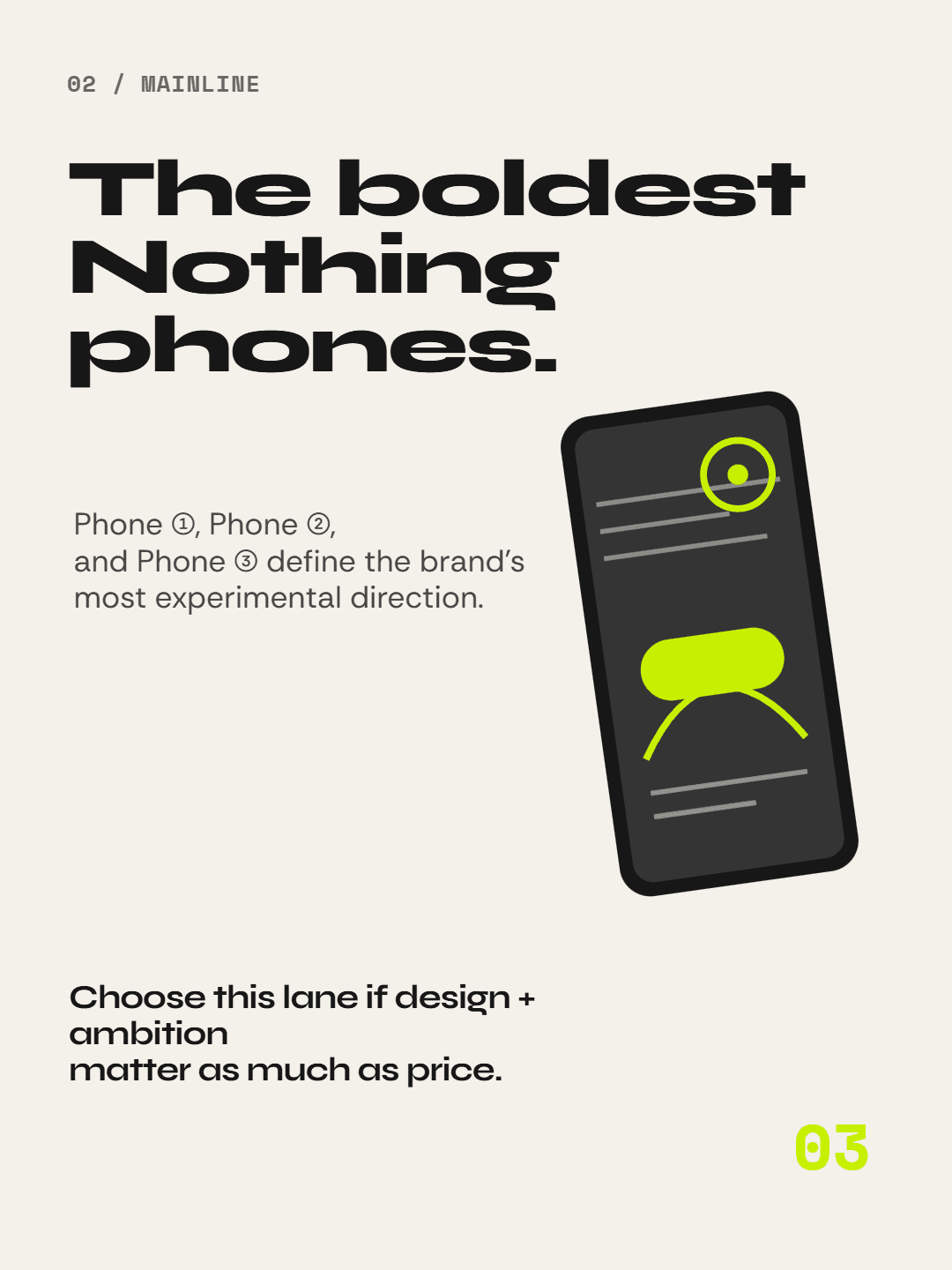
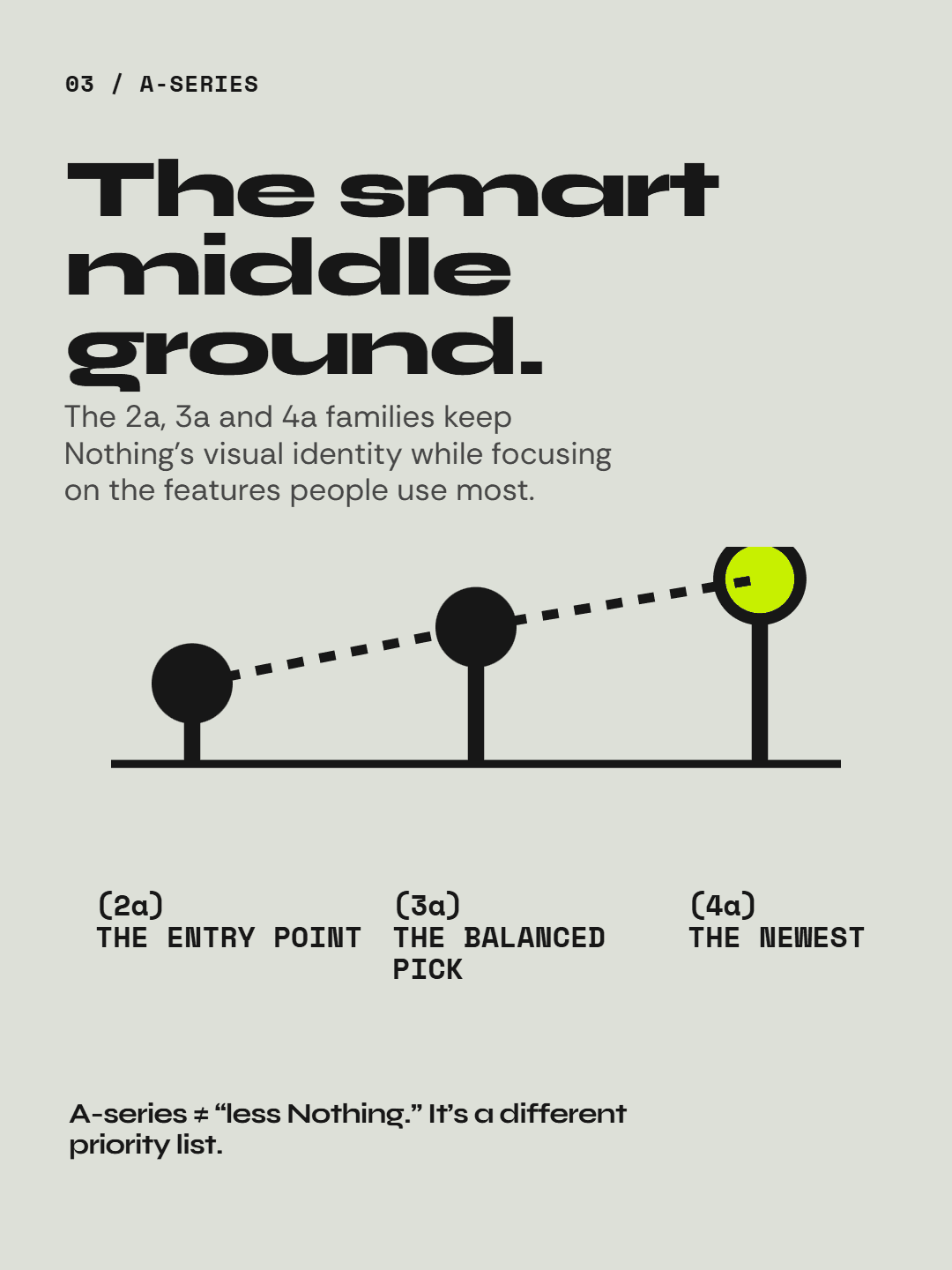
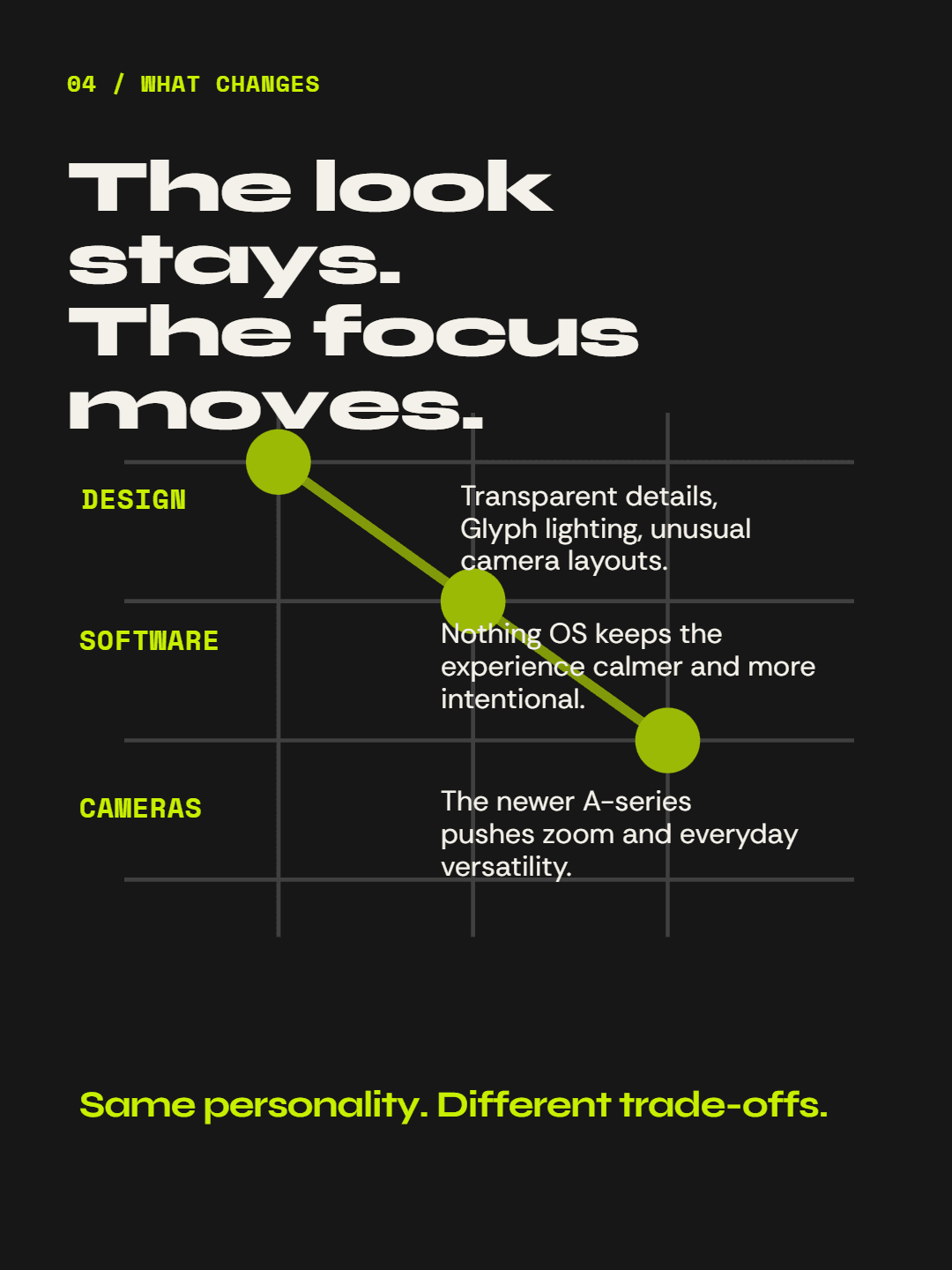
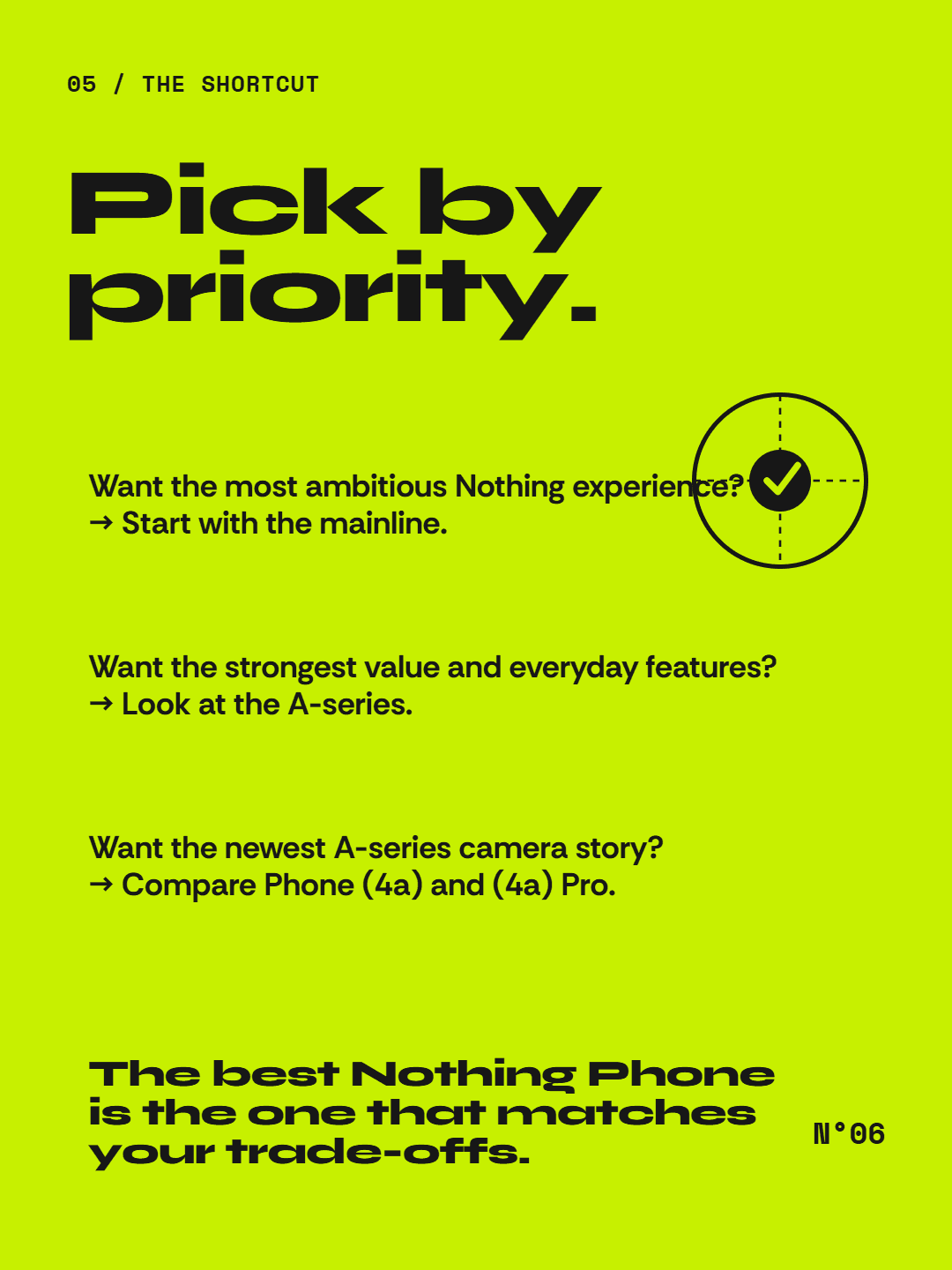
For consultants and coaches who turn their expertise into content.


For SaaS founders teaching customers how to reach first value.


For B2B marketers repurposing one useful idea across formats.


One starts from a blank canvas. The other starts from text you already have.
How it works?
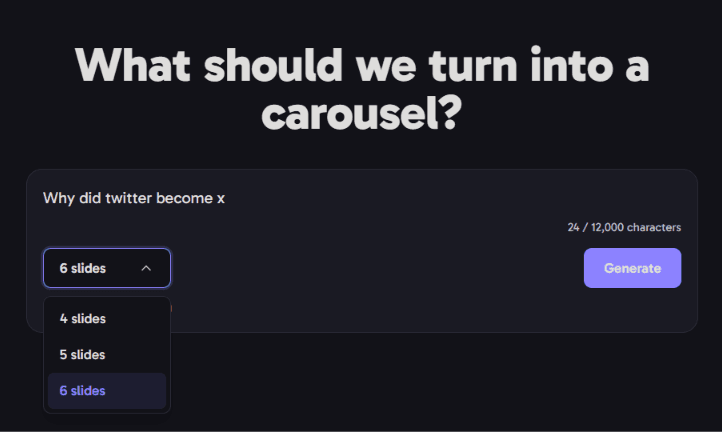
Drop in your text, choose 4–6 slides, and select a 1:1, 4:5, or 3:4 canvas.
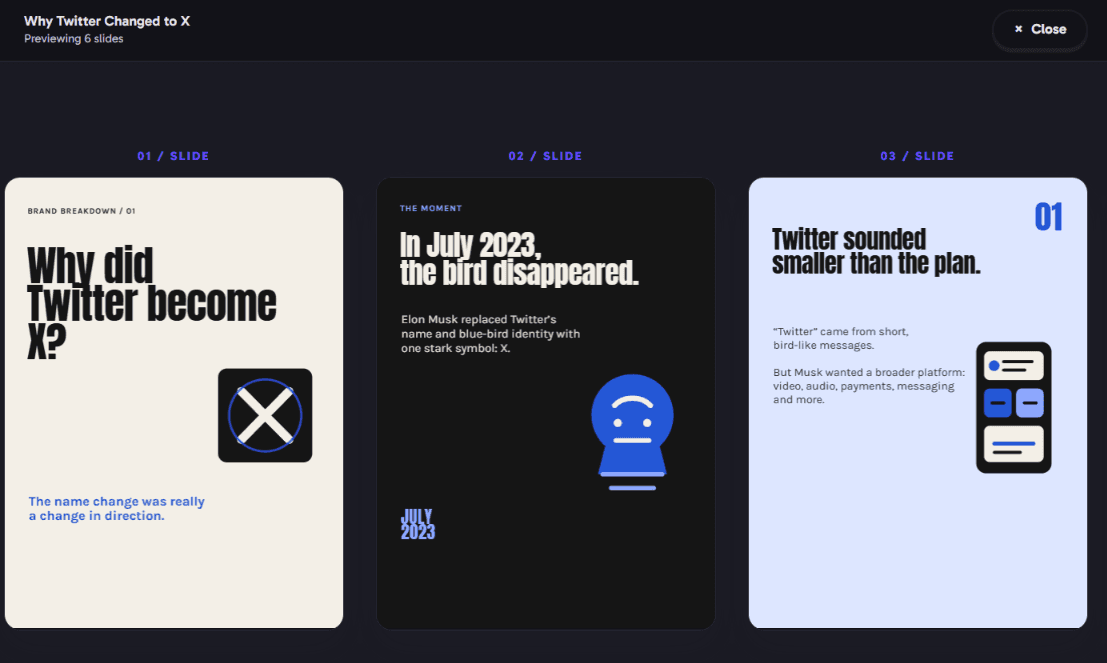
We turn it into a focused set of styled slides for you to review.
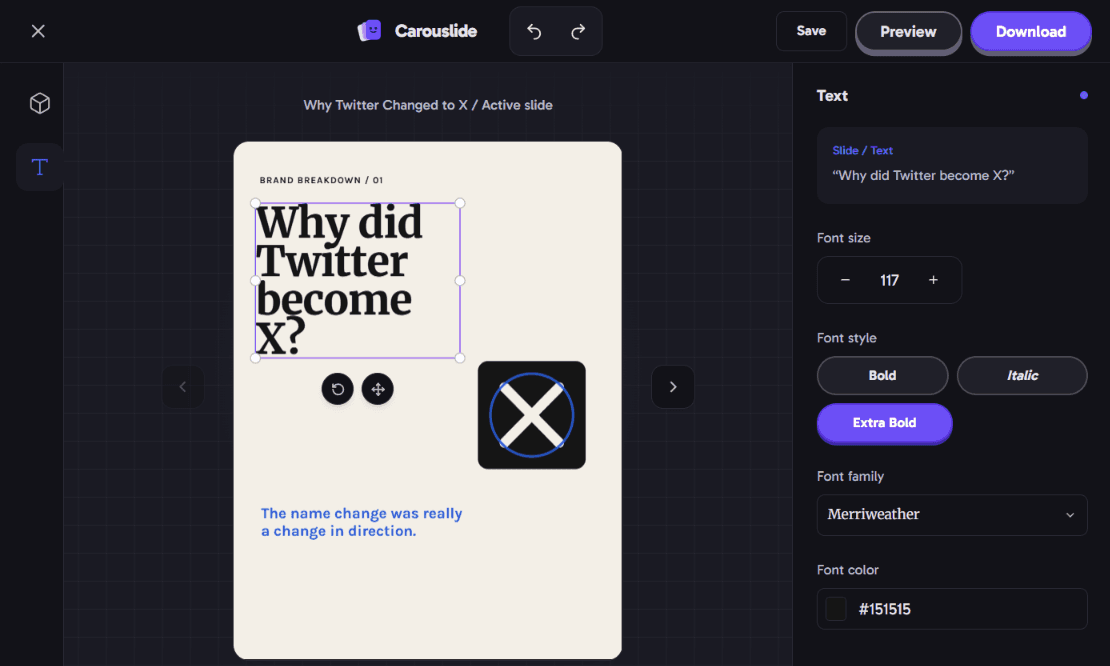
Tweak any slide, then export a PNG ZIP for Instagram or a PDF for LinkedIn.
Buy credits when you need them. 1 credit turns into 1 carousel conversion.
Credits never expire. Use them whenever you like, and buy any pack again when your balance runs out.
FAQ
A carousel is a multi-slide post format used on platforms like Instagram and LinkedIn, where each slide builds on the last as people swipe or click through.
Blog posts, articles, notes, or any block of plain text. We break it down into slides automatically.
Yes. Every slide is editable—change the text, svg elements, colors before you export.
Choose between 4, 5, or 6 slides to fit your content.
Choose 1:1 (1080×1080px), 4:5 (1080×1350px), or 3:4 (1080×1440px). Download numbered PNG images in a ZIP for Instagram or a multi-page PDF for LinkedIn.
Yes—carousels you generate are yours to use, including for business and commercial purposes.
No. Carouslide handles layout, spacing, and styling for you—just bring the text.
No. Credits are one-time purchases and never expire. When you run out, you can buy any credit pack again.